
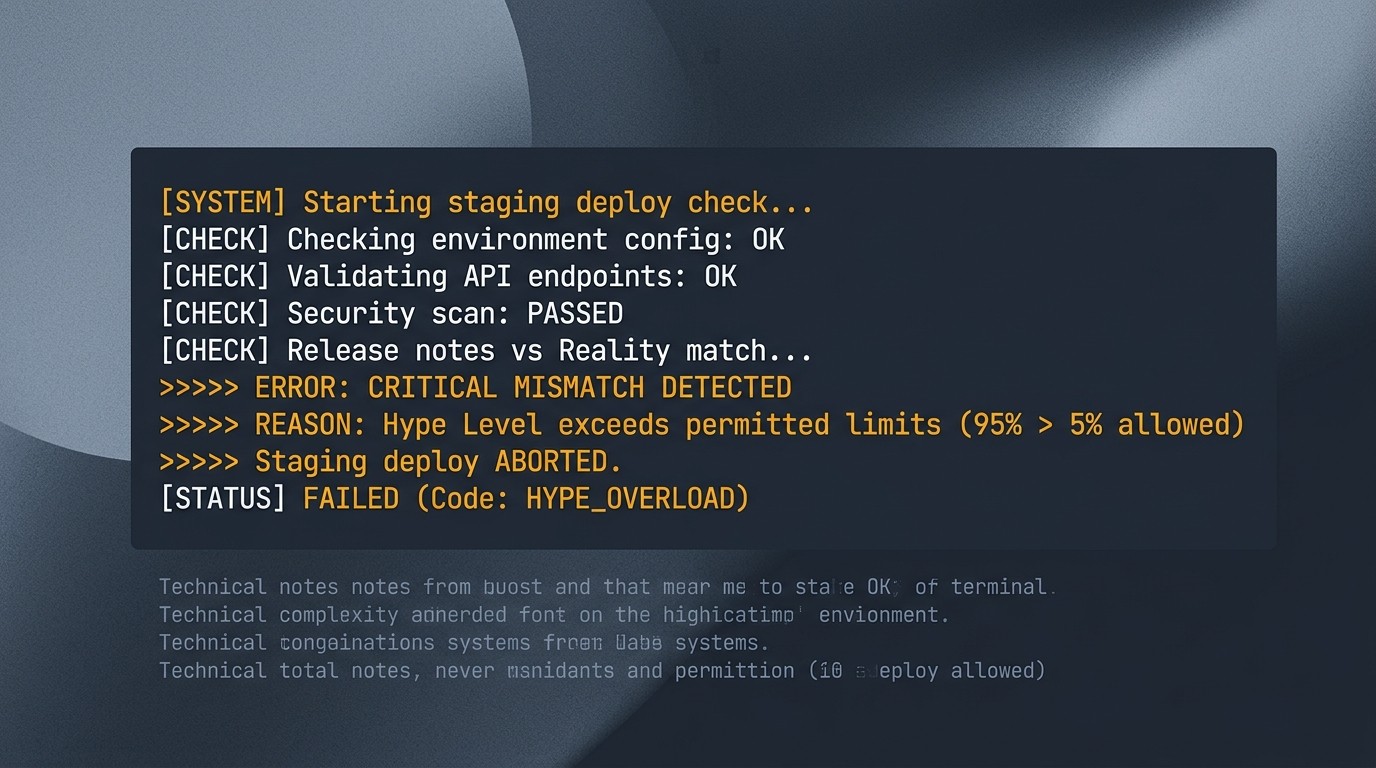
Step 1: Read the log, not the post
release-check  FAIL  staging deploy blocked
  payments-webhook  test suite  4 failed / 212
  reason: upstream SDK changed signature (unverified)
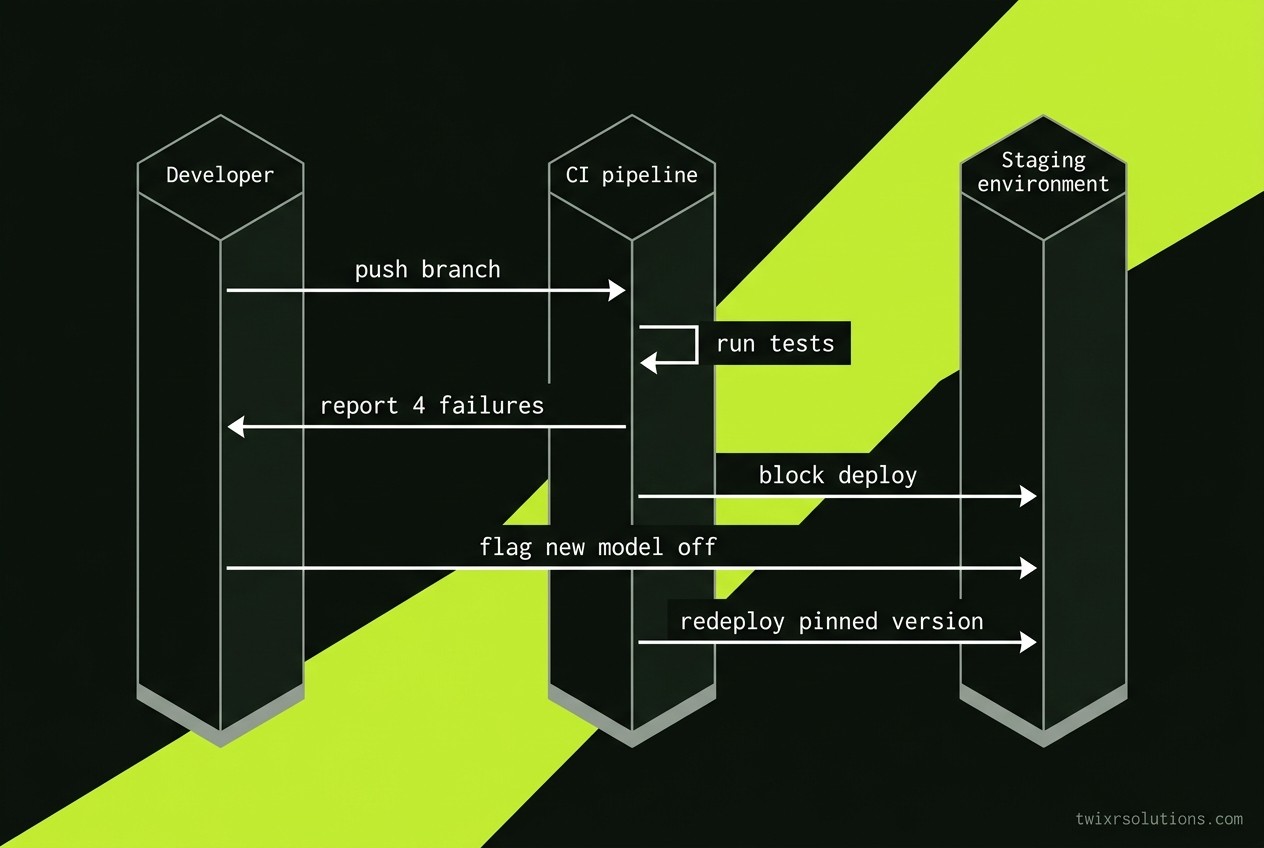
Your feed says a new model changes everything. Your CI says four tests fail on Friday. Only one of those matters before the release.
Take the launch post and cut it down to one question: does this change a line in our build, or a line in our marketing? If the answer is marketing, close the tab. You can read the rest on Monday.
Step 2: Put the claim against a number you can test
Most launch posts give you adjectives. Ignore them. Look for the parts you can check in an afternoon.
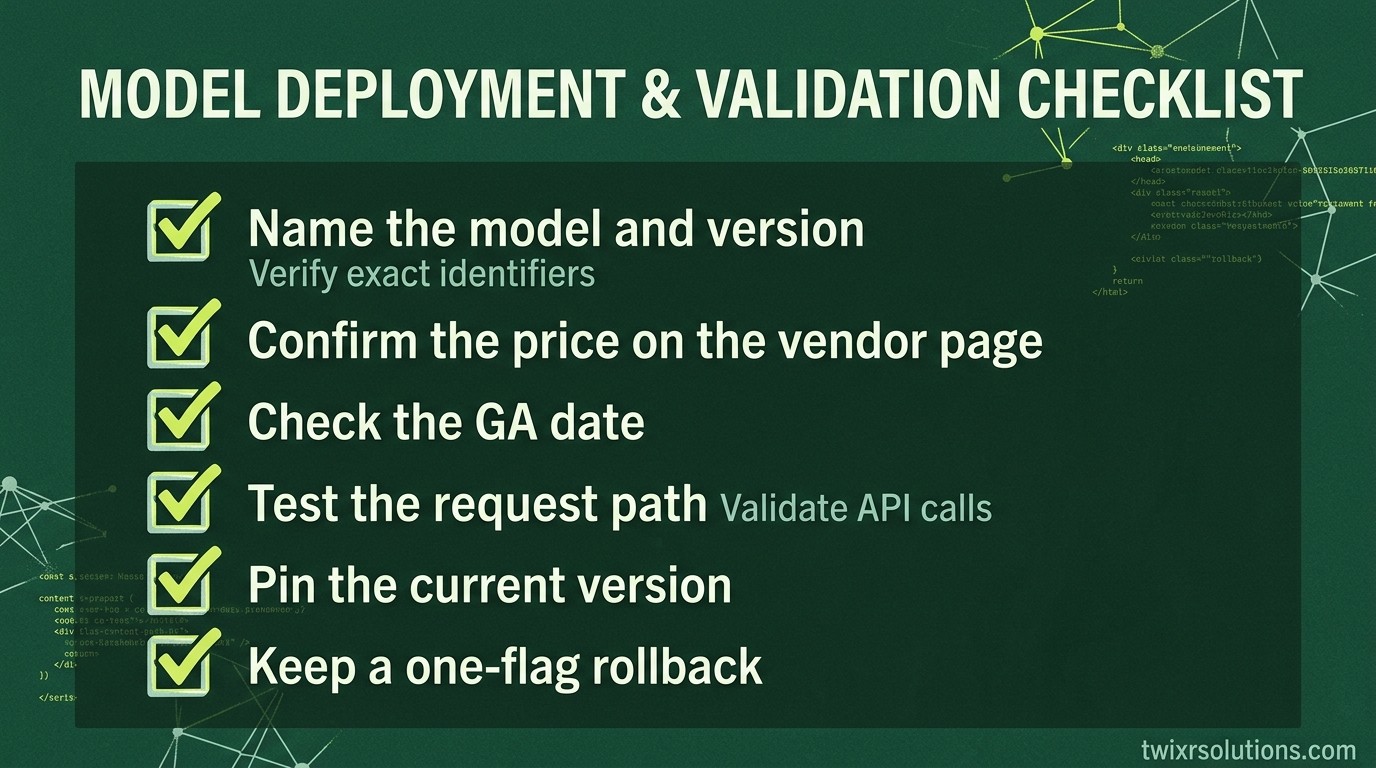
- The exact model or package name and version
- The published price per call or per seat
- The date it went generally available, not the date of the announcement
- The rate limits and context size, stated in the docs
Write those four facts into a table. Leave blank cells where the source is silent. Blank cells are your risk list.
| Claim in the post | Where you verify it | Blocks this release? |
|---|---|---|
| "Faster than last version" | Your own timed run on a real prompt | Only if latency is in the SLA |
| New SDK method | Changelog and a pinned test | Yes, if it sits in the request path |
| Lower price | Current pricing page on the day you ship | No, unless the budget is tight |
| "Works out of the box" | Your integration test suite | Yes, always |
Step 3: Pin first, upgrade later
A deadline is the worst time to take a new dependency. Keep the old version pinned and run the new one behind a flag.
// config/ai.php
return [
    'provider' => env('AI_PROVIDER', 'openai'),
    'model'    => env('AI_MODEL', 'pinned-model-id-from-your-lock'),
];
Change the environment variable on one staging tenant. Compare outputs on the same fixtures. If they match, ship the flag off. The new thing waits for the next sprint.
Step 4: Count what the upgrade costs across every client
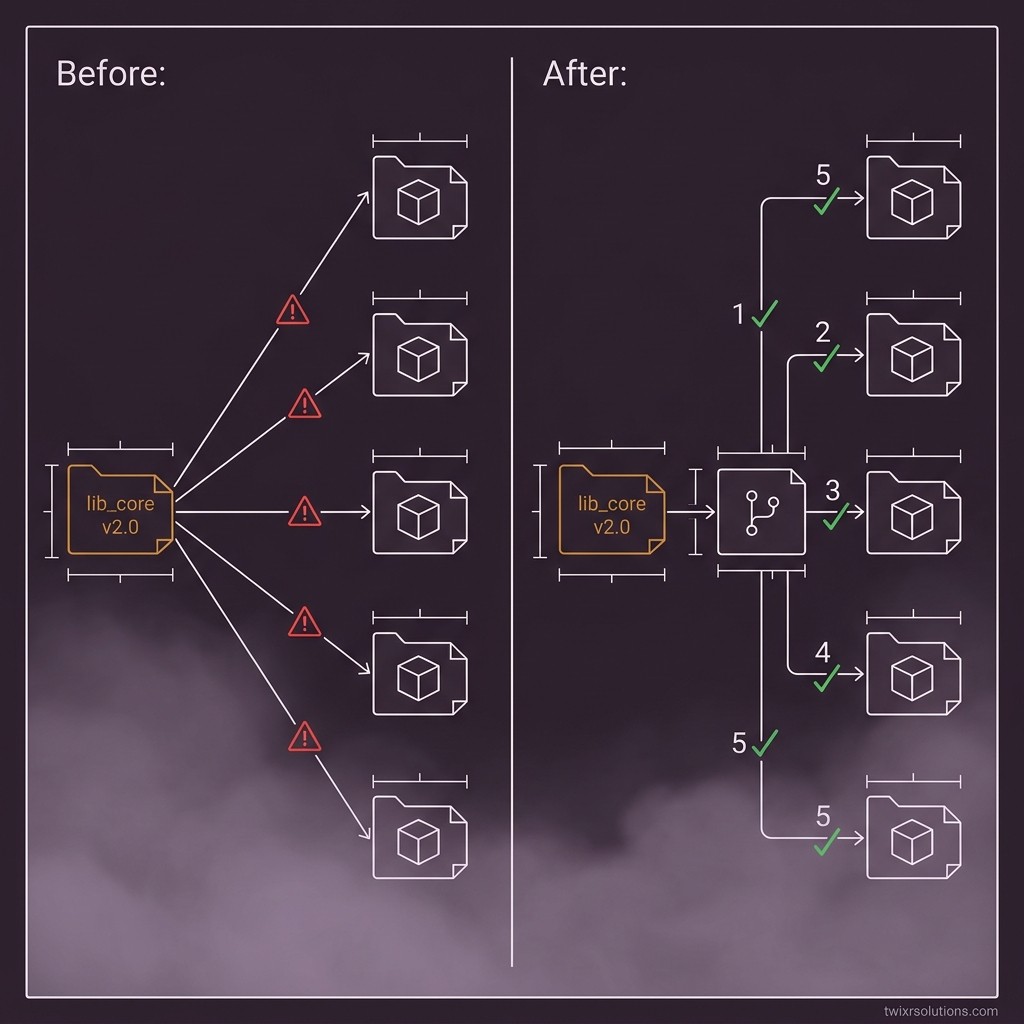
You run several projects. A change that saves one hour on your own app can cost a day on four client repos. Multiply before you celebrate.
for repo in clients/*; do
  (cd "$repo" && composer outdated --direct --format=json | jq -r '.installed[].name')
done
If the same SDK bump lands in five repos, you do it once, in a branch, and roll it out in order. Never five separate emergencies.
Where I would stop
Hype is cheap. Your release is not. Judge every launch by three things: does it touch the request path, can you pin it, and can you roll it back in one flag.
If the answer to all three is yes, you can test it this week. If any answer is no, it waits.
So here is my question for you: which dependency in your current release would you upgrade today if you had to, and what would break first?
Sources
- Your own changelog and pricing pages, checked the day you ship. Add the exact URLs of any vendor post you cite before publishing.
Frequently asked questions
Pull out the model or package name, version, price, and availability date. Check each one against the vendor's docs or changelog. Anything you cannot verify goes on your risk list, not your roadmap.
Not in the same release. Pin the current version, add the new one behind a feature flag, compare outputs on the same fixtures, and ship the flag off. Upgrade in a separate sprint.
Script the outdated check across all client repos, bump the shared dependency once in a branch, and roll it out in a fixed order. One planned change beats five urgent fixes.
Enjoyed this article?
Get notified when I publish new posts on SaaS, Laravel, and remote engineering.