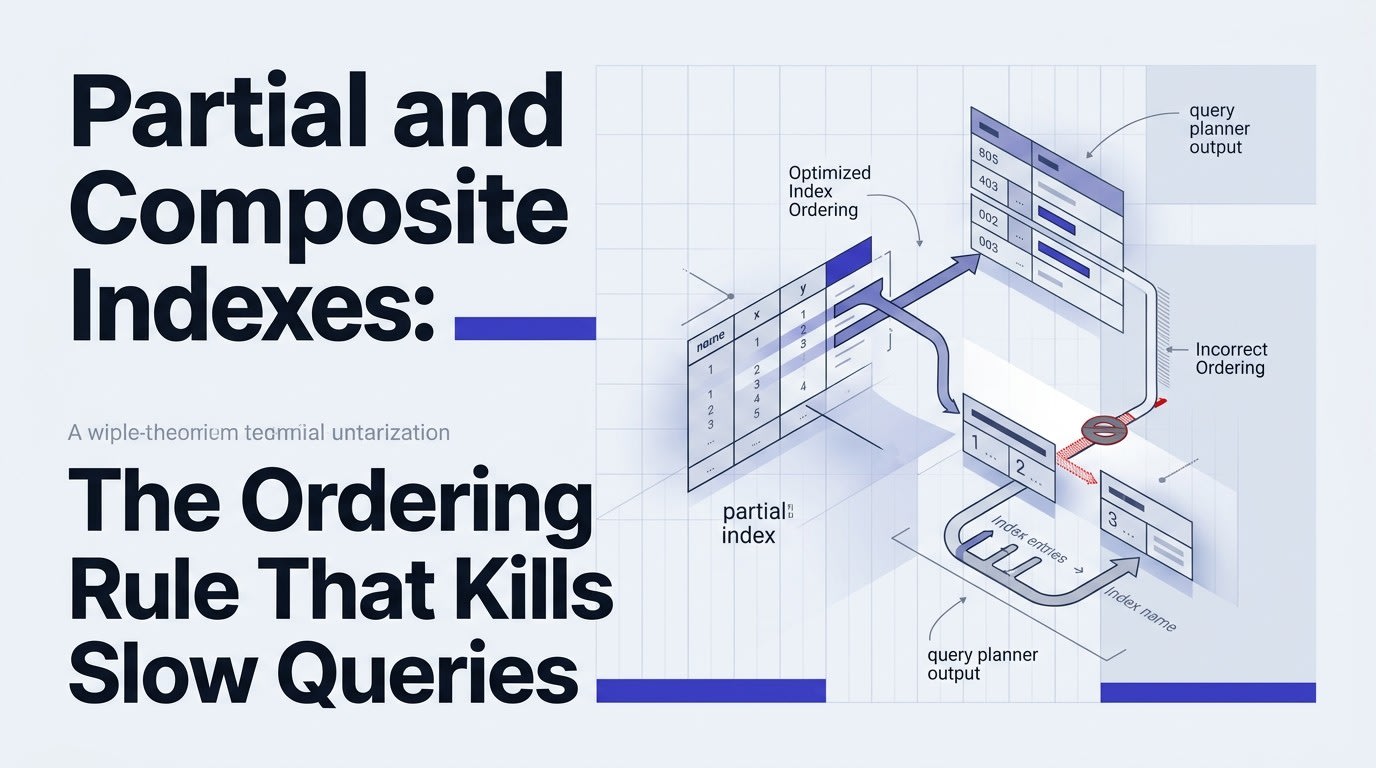
You added an index. The query is still slow. EXPLAIN ANALYZE tells you the planner did a sequential scan anyway.
Nine times out of ten, you got the column order wrong - or you skipped a partial index where one belonged.
Here is the rule, broken into numbered steps you can apply today.
1. Understand What "Left-Prefix" Actually Means
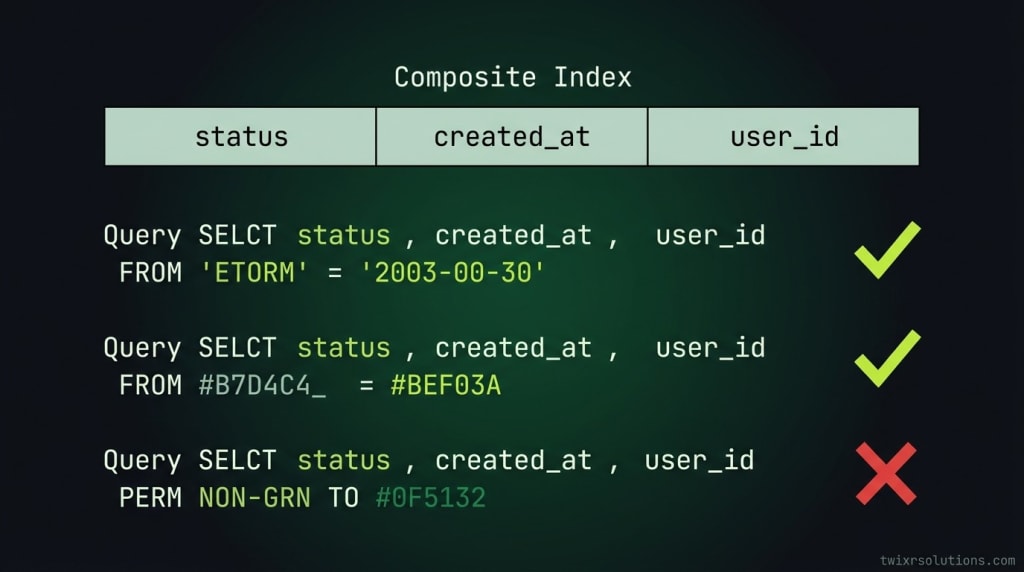
A composite index on (status, created_at, user_id) is usable only when your WHERE clause touches the leftmost column first.
The planner can use this index for:
WHERE status = 'active'WHERE status = 'active' AND created_at > '2024-01-01'WHERE status = 'active' AND created_at > '2024-01-01' AND user_id = 42
It cannot use the index for:
WHERE created_at > '2024-01-01'(skippedstatus)WHERE user_id = 42(skipped both leading columns)
This is the left-prefix rule. Column order in the CREATE INDEX statement is not cosmetic. It is functional.
2. Put the Most Selective Equality Column First
Cardinality determines order. High-cardinality equality filters belong at the front.
A column like user_id (millions of distinct values) is far more selective than status (maybe 3 values). Put user_id first when you filter on equality for both.
-- Low cardinality first: often a poor choice
CREATE INDEX idx_orders_status_user ON orders (status, user_id);

-- High cardinality first: better range reduction
CREATE INDEX idx_orders_user_status ON orders (user_id, status);
The rule: equality columns before range columns, high-cardinality before low-cardinality.
Range predicates (>, <, BETWEEN, LIKE 'prefix%') stop the index scan from narrowing further. Any column after a range column in the index gets ignored for filtering, though it can still be used for an index-only scan if it is included.
3. Know When to Use a Partial Index Instead
A composite index covering a full table when 90% of your queries only touch 5% of the rows is wasteful. It bloats write overhead and index size.
Partial indexes filter the index itself using a WHERE clause at creation time.
-- Full index: indexes every row
CREATE INDEX idx_orders_status ON orders (created_at);

-- Partial index: indexes only active orders
CREATE INDEX idx_orders_active_created ON orders (created_at)
WHERE status = 'active';
The partial index is smaller, faster to scan, and cheaper to maintain on writes. The query planner will pick it up automatically when your query includes the matching condition.
Three situations where partial indexes pay off:
- Soft-deleted rows. Most queries filter
deleted_at IS NULL. Index only those rows. - Status-gated workflows. Queues, job tables, order pipelines - only
pendingoractiverows get touched at query time. - Boolean flags.
is_verified = trueon a users table where 80% are unverified. Index only the verified subset.
If you have worked through N+1 issues before, the mental model is similar - you are narrowing the work to exactly the rows that matter. The pattern from Overusing with() and Missing the Real N+1 in Laravel applies here: solving the wrong problem costs more than not solving it at all.
4. Verify With EXPLAIN, Not Assumptions
Never guess whether the planner uses your index. Run it.
EXPLAIN (ANALYZE, BUFFERS, FORMAT TEXT)
SELECT id, total
FROM orders
WHERE user_id = 42
  AND status = 'active'
  AND created_at > NOW() - INTERVAL '30 days';
Look for:
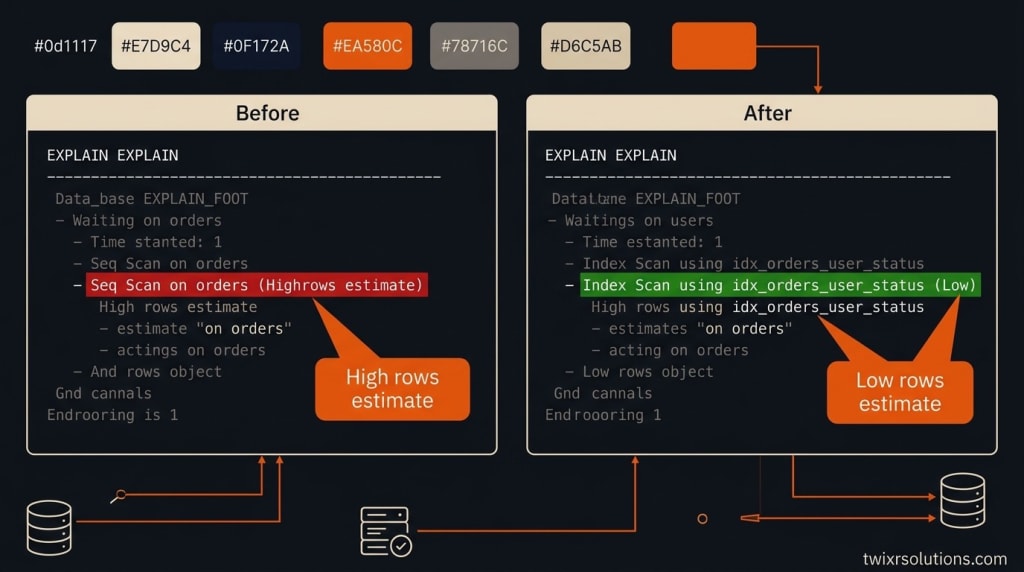
Index Scan using idx_orders_user_status- good, your index is in useSeq Scan on orders- the index is being ignored; check column order and predicate matchBitmap Heap Scanwith highrows=estimates - selective enough but planner chose a different strategy; still worth checking your index definition
Run EXPLAIN before and after any index change. Do not ship blind.
5. Apply the Decision Checklist Before Creating Any Index
Ask these questions in order before writing the CREATE INDEX statement:
- Which columns appear in
WHERE,JOIN ON, andORDER BYfor this query? - Which of those are equality predicates vs range predicates?
- What is the cardinality of each column?
- Does a partial filter apply to 20% or less of the table? If yes, use a partial index.
- Is the query
ORDER BYon the same columns in the index? If yes, ordering is free. - Can you cover the
SELECTcolumns inside the index to avoid a heap fetch (index-only scan)?
Follow this order and you will not produce a useless index. You might still produce a redundant one - that is a separate problem - but the planner will not ignore it.
6. The Composite Plus Partial Combination
You can combine both techniques. A composite index with a WHERE clause narrows both the rows indexed and the scan path within those rows.
CREATE INDEX idx_jobs_pending_queue_created
ON jobs (queue_name, created_at)
WHERE status = 'pending';
This index handles the common pattern of pulling the next batch of pending jobs ordered by queue and creation time. The status = 'pending' partial condition keeps the index lean as completed jobs pile up. This matters especially in systems where background workers run on a tight loop - the kind of architecture discussed in Queued Jobs vs Scheduled Commands in Laravel - When Each One Actually Fits.
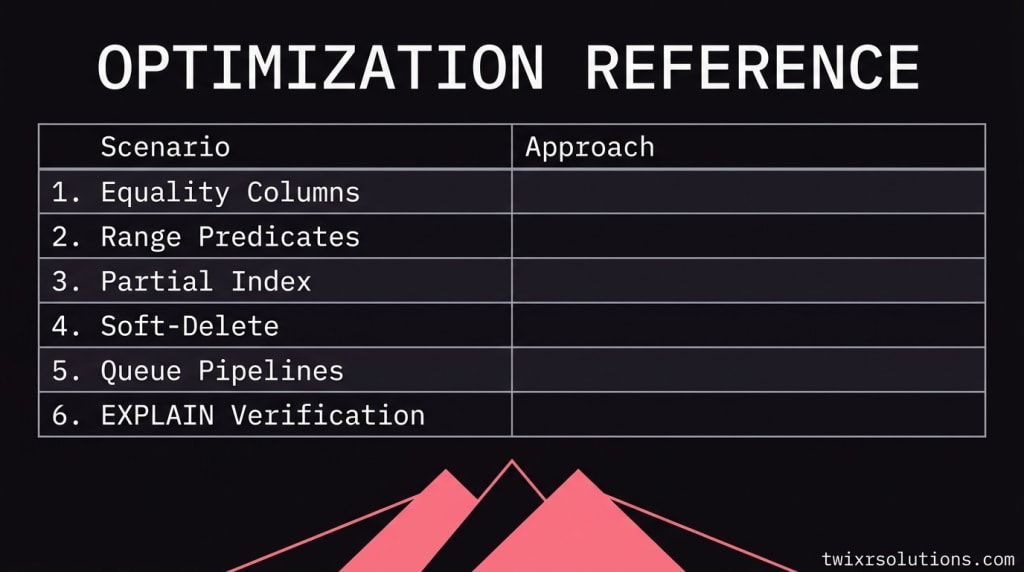
Quick Reference
| Scenario | Approach |
|---|---|
| Equality on multiple columns | Composite; highest cardinality first |
| One equality + one range | Equality column first, range column second |
| Only 5 - 20% of rows queried | Partial index with matching WHERE |
| Soft-delete pattern | Partial index on deleted_at IS NULL |
| Hot queue / status pipeline | Composite + partial combined |
| Need to verify planner choice | EXPLAIN (ANALYZE, BUFFERS) - no exceptions |
Getting this right on a high-traffic e-commerce backend - where orders, inventory checks, and user lookups all compete for I/O - is the difference between a query at 2ms and one at 400ms under load. The rules do not change by framework. They apply whether you are in Laravel, NestJS, or raw SQL.
If your schema is growing and you want a second pair of eyes on your index strategy before it becomes a production problem, that is the kind of thing I work through with clients at Twixr Solutions.
Frequently asked questions
The most common reason is a broken left-prefix. If your WHERE clause does not include the leftmost column of the composite index, the planner cannot use the index for filtering. Check the column order in your CREATE INDEX statement against the predicates in your query, then run EXPLAIN ANALYZE to confirm.
Yes. If your ORDER BY columns match the trailing columns in the index (after the equality filters), the planner can satisfy the sort without a separate sort step. Misaligned column order forces a filesort, which adds CPU and memory cost especially on large result sets.
Use a partial index when a stable condition applies to nearly all queries on that table and filters out a significant portion of rows - typically 20% or more. Common cases are soft-deletes (deleted_at IS NULL), status-gated pipelines (status = 'pending'), and boolean flags on sparse populations.
Yes, and it is often the right call. You define the column order as you would for any composite index, then add a WHERE clause to the CREATE INDEX statement. The planner will use the index only when the query includes the matching static condition, which keeps the index smaller and write overhead lower.
Run EXPLAIN (ANALYZE, BUFFERS) on the exact query in question. Look for 'Index Scan using your_index_name' in the output. A 'Seq Scan' means the planner is ignoring the index - either the predicate does not match, the table is too small to bother, or statistics are stale (run ANALYZE to refresh them).
Enjoyed this article?
Get notified when I publish new posts on SaaS, Laravel, and remote engineering.