Most freelancers start the day the same way. Open Upwork. Scroll 40 job posts. Copy-paste a proposal, tweak two lines, send, repeat. An hour gone before any real work begins.
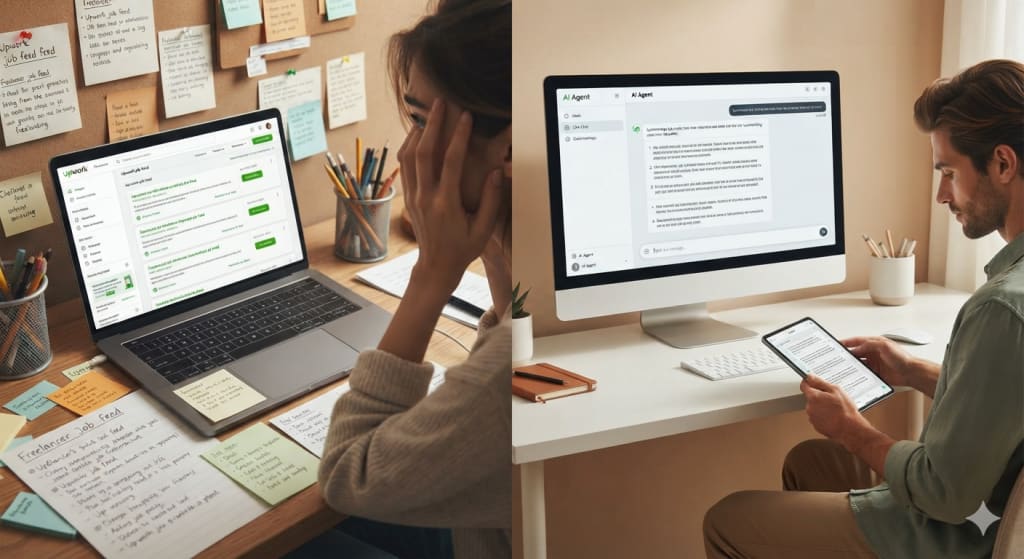
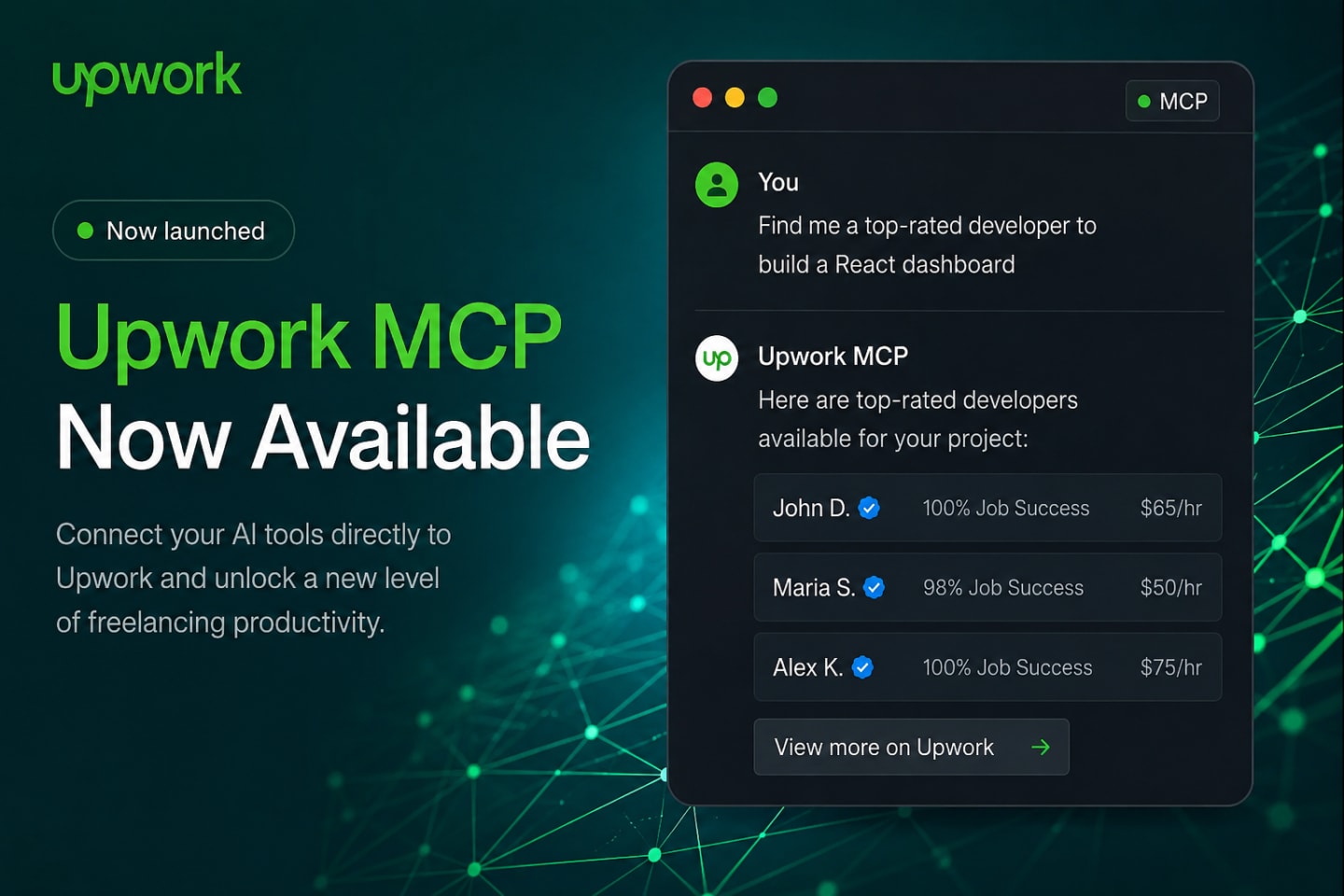
On August 10, 2026, Upwork shipped something that quietly changes that routine: an official MCP server. It lets AI agents like Claude, ChatGPT, and Cursor work inside your Upwork account directly - finding jobs, drafting proposals, surfacing client messages, and managing contracts, all from a chat window. It's free for every client and freelancer.
If you've been hearing "MCP" everywhere and tuning it out, this is the moment it stops being abstract. Here's exactly what the Upwork MCP server does, what you can automate today, where the limits are, and how to connect it in a few minutes.
What is the Upwork MCP server?
MCP stands for Model Context Protocol - an open standard that lets AI assistants connect to outside tools and data in a structured, permissioned way. Think of it as a universal adapter between an AI agent and a real service.
The Upwork MCP server is Upwork's official implementation of that standard. Instead of you clicking through the Upwork website, your AI agent talks to Upwork through a secure connection and does the clicking for you - with your confirmation on anything that matters.
A few things worth knowing up front:
-
It's built and maintained by Upwork, not a third party.
-
It's remote and hosted at mcp.upwork.com/mcp, with no local install.
-
It uses OAuth 2.1, so no API keys float around.
-
It's free. Standard Upwork fees still apply to actual work, and freelancers still spend Connects on proposals, just like the website.
Why this matters for the freelance industry
For years, the hard part of freelancing wasn't the work - it was the overhead around the work. Finding the right jobs. Writing proposals that don't sound like everyone else's. Chasing messages across tabs. Tracking milestones and invoices.
The MCP server moves that overhead into the same place a lot of us already think and plan: an AI chat. That has two effects.
First, it compresses the busywork. The scanning and triage that eat the first hour of the day become a single prompt.
Second, it raises the bar on everything that isn't busywork. When drafting a proposal takes seconds, a generic proposal is worthless - everyone can produce one. Judgment, specificity, and a real track record become the differentiators.
What the Upwork MCP server can do
The capabilities split cleanly by who you are on the platform.
For freelancers
-
Find work: search jobs by skill, budget, and type; get profile-based matches; save favorites.
-
Draft proposals: generate a tailored proposal from your profile and work history - you review before it sends, and Connects are spent only on confirmation.
-
Handle offers: view invitations and direct offers; accept, decline, or request changes.
-
Manage active work: submit milestone work, track logged time, check earnings and balance.
-
Keep your profile current: update availability, portfolio, skills, and visibility.
For clients
-
Hire: search and rank freelancers by skill, rate, and location; compare work histories; build talent lists; send invitations.
-
Post jobs: draft a job post from a short brief, publish it, and edit live listings.
-
Review proposals: get ranked summaries; prepare offers with scope and rate.
-
Run contracts: view contracts, create and approve milestones, check timesheets and transaction history.
For agencies
- Everything freelancers get, plus an agency dashboard: one view of every team member's invitations, offers, messages, and contracts.
What you can automate today
The real value shows up in the day-to-day loops. A few examples of what a single prompt can now handle:
-
Morning triage: "Show me this week's best-fit jobs in my feed, ranked, and skip anything under $2k."
-
First-draft proposals: "Draft a proposal for this job using my profile and two most relevant past projects."
-
Inbox summaries: "Summarize new client messages and flag anything that needs a reply today."
-
Milestone hygiene: "Which contracts have milestones due this week, and what's still unsubmitted?"
-
Client-side hiring: "Post a job for a Laravel developer, shortlist five candidates, and prep an offer for the top one."
The pattern is the same across all of them: the agent does the gathering and the first draft; you keep the decision.
The guardrails (and why they're the best part)
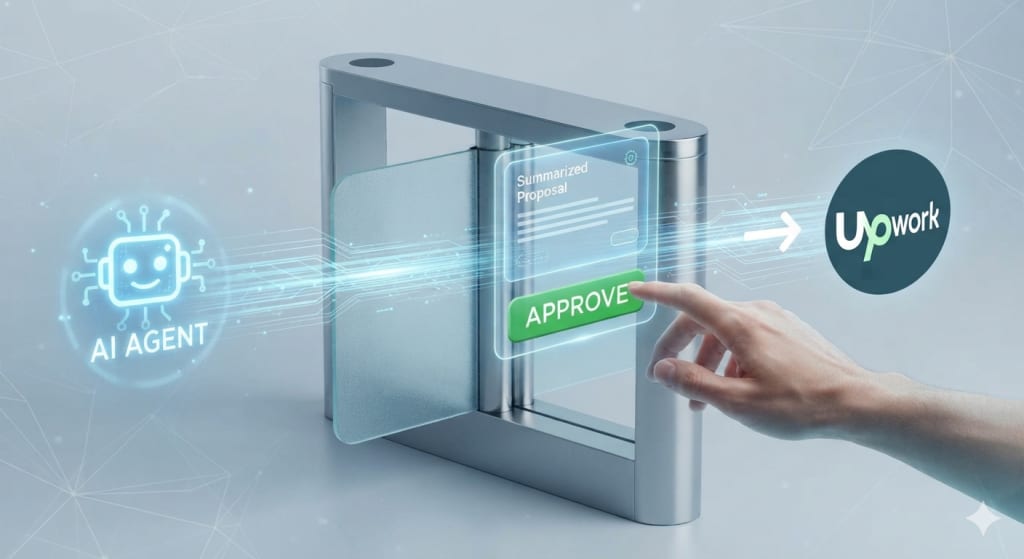
Handing an AI agent access to the account you earn a living on is a fair thing to be nervous about. Upwork built the boundaries in:
-
You confirm every write. Proposals, messages, edits - the agent drafts, you approve. Nothing goes out silently.
-
Money stays on Upwork. Funding escrow, accepting offers, and milestone payments all complete on upwork.com, not inside the agent.
-
No autonomous hiring. Every binding action needs a human in the loop.
-
You control access. OAuth 2.1 with scoped permissions, revocable instantly from Account Settings, Connected Apps.
-
Your data stays yours. Upwork doesn't store API keys or your chat history; the conversation lives in your AI tool.
The honest limitations
No tool is free of trade-offs, and pretending otherwise helps no one.
-
It automates your habits, good and bad. A thin profile and a generic proposal just get produced faster. Garbage in, garbage at scale.
-
It's assistive, not autonomous. If you were hoping to fully outsource client acquisition to a bot, that's not this - and that's the right call.
-
Plan requirements apply. Claude's free plan allows one custom connector; ChatGPT needs a paid tier with medium or high reasoning effort.
-
Rate limits exist. They mirror standard Upwork limits - fine for normal use, but don't build a spam machine on top of it.
-
Judgment doesn't transfer. The agent can rank jobs, but it can't tell you which client will be a nightmare. That read is still on you.
How to set it up
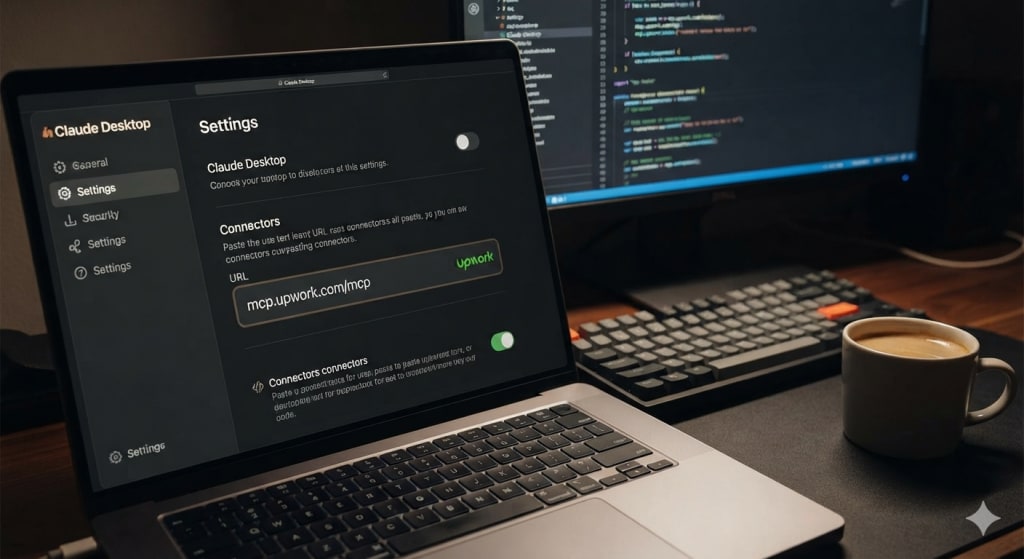
The server URL is the same everywhere: mcp.upwork.com/mcp. Pick your tool:
-
Claude Desktop: the easiest path is the Upwork connector in the Claude directory - click Connect and authorize in the browser. Or add it manually under Customize, Connectors, Add custom connector.
-
Claude Code: run the add command for an HTTP transport pointing at the server URL, then finish OAuth in a session.
-
ChatGPT: enable Developer Mode, add a custom connector named "Upwork" with the server URL and OAuth, then sign in.
-
Cursor and Codex: add the server in the MCP settings or config file and authenticate when it prompts you to log in.
-
Everything else: Windsurf, Cline, VS Code, and Goose all take the same URL.
Whichever tool you use, the first run sends you to Upwork to authorize. After that, it just works.
My take, as someone who ships AI features for a living
I build LLM integrations into products - RAG, structured output, agent workflows. Here's the pattern I see every time, and the Upwork MCP server is no exception: the model is never the hard part. The plumbing around it that makes it trustworthy is.
Upwork did the unglamorous work - OAuth, draft-and-confirm, keeping money off the agent's hands. That's why this is usable and not scary. It's a good template for how AI should touch anything that matters: assistive by default, human in the loop on anything binding.
For freelancers, the takeaway is simple. Automate the triage. Keep the judgment. Let the agent kill the busywork so you spend your attention on the jobs and clients that are actually worth it.
Want AI wired into your own product the same way?
Upwork's MCP server is a clean example of AI done responsibly - assistive, permissioned, human-in-the-loop. If you're a founder or CTO who wants that kind of AI feature built into your SaaS - reliable, production-ready, and safe - that's exactly what we do at Twixr Solutions (twixrsolutions.com).
Have you connected the Upwork MCP server yet? Tell me what you'd automate first.
Frequently asked questions
Yes. The connector itself costs nothing. Standard Upwork fees apply to work done through it, and freelancers still spend Connects on proposals - exactly like the website.
No. Every binding action - accepting offers, funding escrow, payments - requires human confirmation and completes on upwork.com. The agent prepares; you decide.
Claude, ChatGPT, Cursor, Codex, and other MCP-compatible tools like Windsurf, Cline, VS Code, and Goose.
It uses OAuth 2.1 with scoped access, stores no API keys or chat history, and can be revoked anytime from Account Settings, Connected Apps. Write actions require your confirmation.
Yes - Connects are spent only when you confirm a proposal submission, just as they are on the website.
Enjoyed this article?
Get notified when I publish new posts on SaaS, Laravel, and remote engineering.