Red Flags in a Job Post: Before You Bid, Read This
Most scope creep starts in the job post. Not in the project. In the post.
By the time a client sends their first revision request at 11 PM on a Sunday, the warning signs were already there - sitting right in the job description you skimmed before clicking "Submit Proposal."
This is a before/after breakdown. The before is what a bad job post looks like and what you probably do with it. The after is what a senior freelancer does instead.
Before: What Most Engineers Do
You see a Laravel or NestJS project. The budget looks decent. You skim the description, copy-paste a semi-customized proposal, and move on.
You do not read closely. You do not check the client's history. You treat every post as a legitimate opportunity.
Three weeks later you are doing work that was never in the original scope, the client is asking for a "small fix" that is actually a redesign, and you feel stuck because the contract is vague and the money is already half-spent.
That cycle is preventable. Every time.
After: What to Actually Do
Spend four minutes reading the post before you spend forty minutes on a proposal. Here is what to look for.
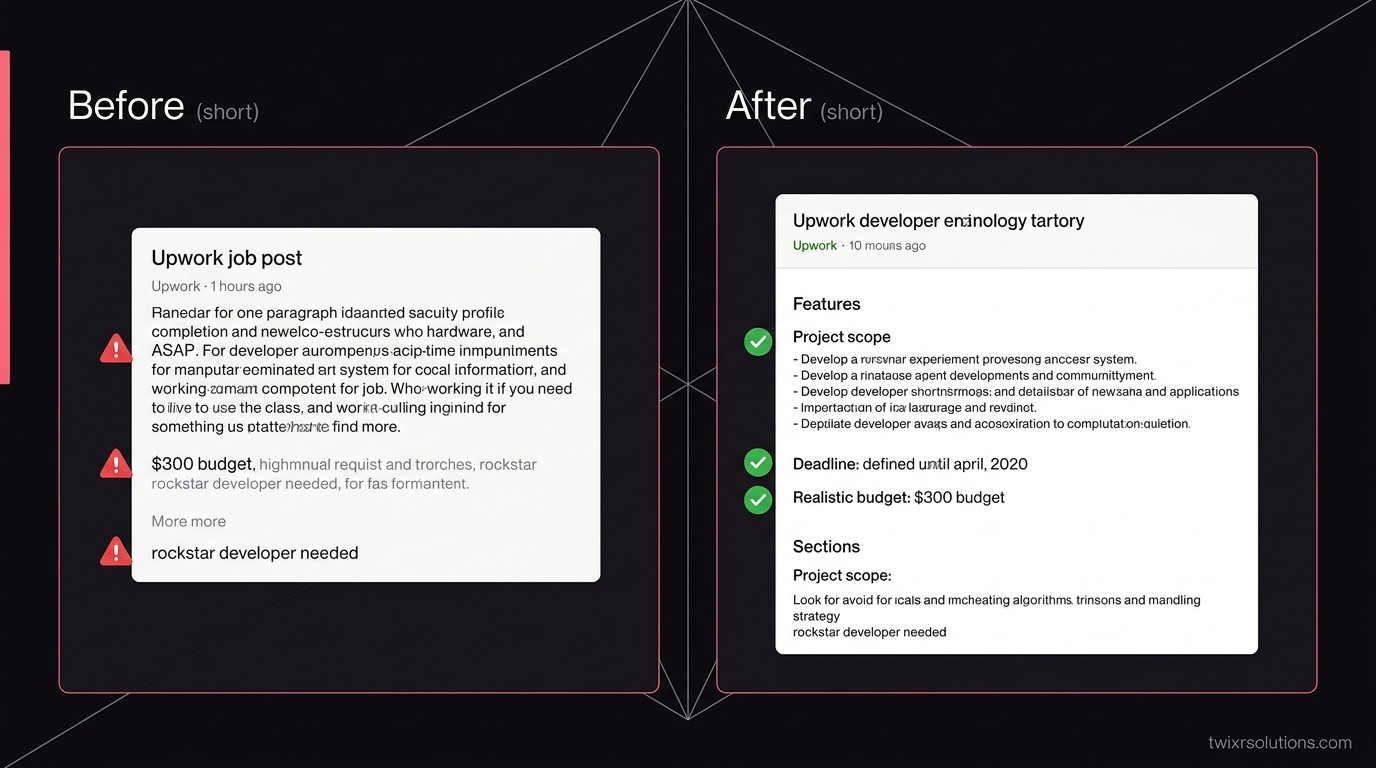
1. The budget does not match the scope
A post asks for a full SaaS MVP - user auth, billing, admin panel, third-party integrations - and lists a fixed budget of $300.
That is not a budget. That is a wish.
A client who does not know what good work costs will not pay for it, and they will not respect the scope either. Pass.
2. No hire history, zero reviews, and payment unverified
Check the client profile before you read the second paragraph.
- No hires: possible, but combine it with other flags.
- Payment method not verified: walk away. Full stop.
- 10+ hires and a 2-star average: worse than zero hires.
A long history of short contracts and bad reviews tells you exactly what it is like to work with this person.
3. "We need this ASAP" without a defined deadline
Urgency with no actual date is a control tactic, not a project requirement.
Real urgency sounds like: "We launch on the 15th, need the API ready by the 10th." That is a constraint you can plan around.
"ASAP" means the client has not thought through the project - or they burned through another freelancer and need a rescue now. Either way, you will pay the price for their planning gap.
4. The description is one paragraph with no requirements
A client who cannot explain what they need in writing cannot explain it on a call either.
Good posts include: what the system does, what is already built, what needs to be built, and what done looks like. A vague post leads to a vague contract leads to endless back-and-forth over what was agreed.
If you cannot scope it from the description, do not guess. Ask one specific question in your proposal - if they cannot answer it, that tells you everything.
5. "Looking for a rockstar / ninja / someone who does it all"
Translation: one person doing the work of a team, at one person's rate.
Full-stack is fine. "We need frontend, backend, DevOps, QA, and mobile - all you" is not a freelance project. It is a startup that cannot afford a team and thinks one contractor is the substitute.
6. They have already hired and fired for this project
Sometimes the post says it outright: "Previous freelancer did not work out."
Sometimes you only see it in the contract history: 3 hires, 3 short contracts, all rated 1-2 stars.
Ask yourself what is more likely: three bad freelancers in a row, or one difficult client? The math is not complicated.
7. Pressure to move off-platform immediately
Any message that starts with "Let's connect on WhatsApp / Telegram / email to discuss" before a contract is placed is a Terms of Service violation on Upwork - and a signal that the client wants to avoid the platform's dispute resolution.
Stay on-platform until the contract is live. That protection exists for a reason.
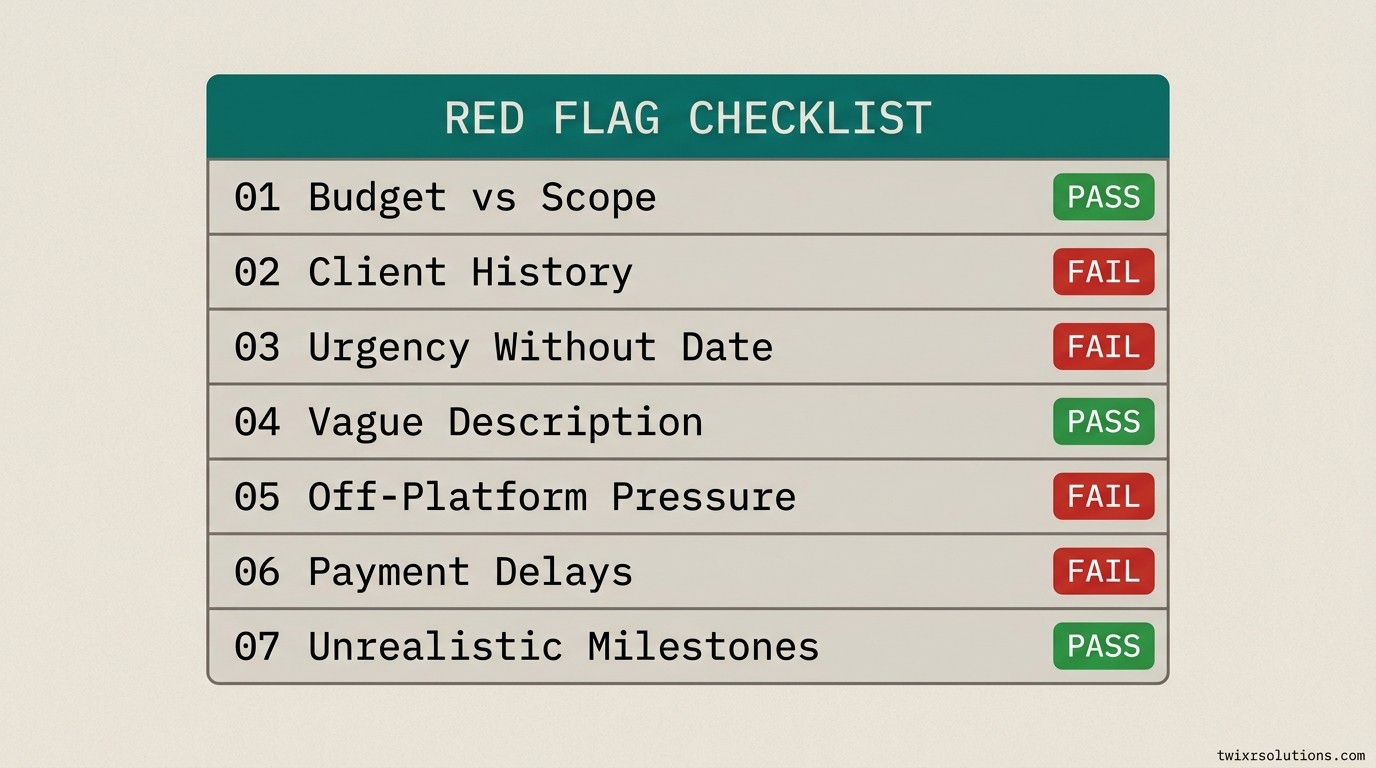
The One-Line Decision Rule
A job post should make the scope, timeline, and expected outcome clear to a senior engineer without a call.
If it does not, the burden is on the client to clarify - not on you to assume.
A proposal is not free. Your time has a rate. Treat bid decisions like investment decisions: filter hard, bid rarely, win more.
If you want to make sure the proposals you do send actually land, the opening line matters more than most engineers realize. See The Proposal Opening Line That Wins (And Why Yours Probably Isn't It) for what that looks like in practice.
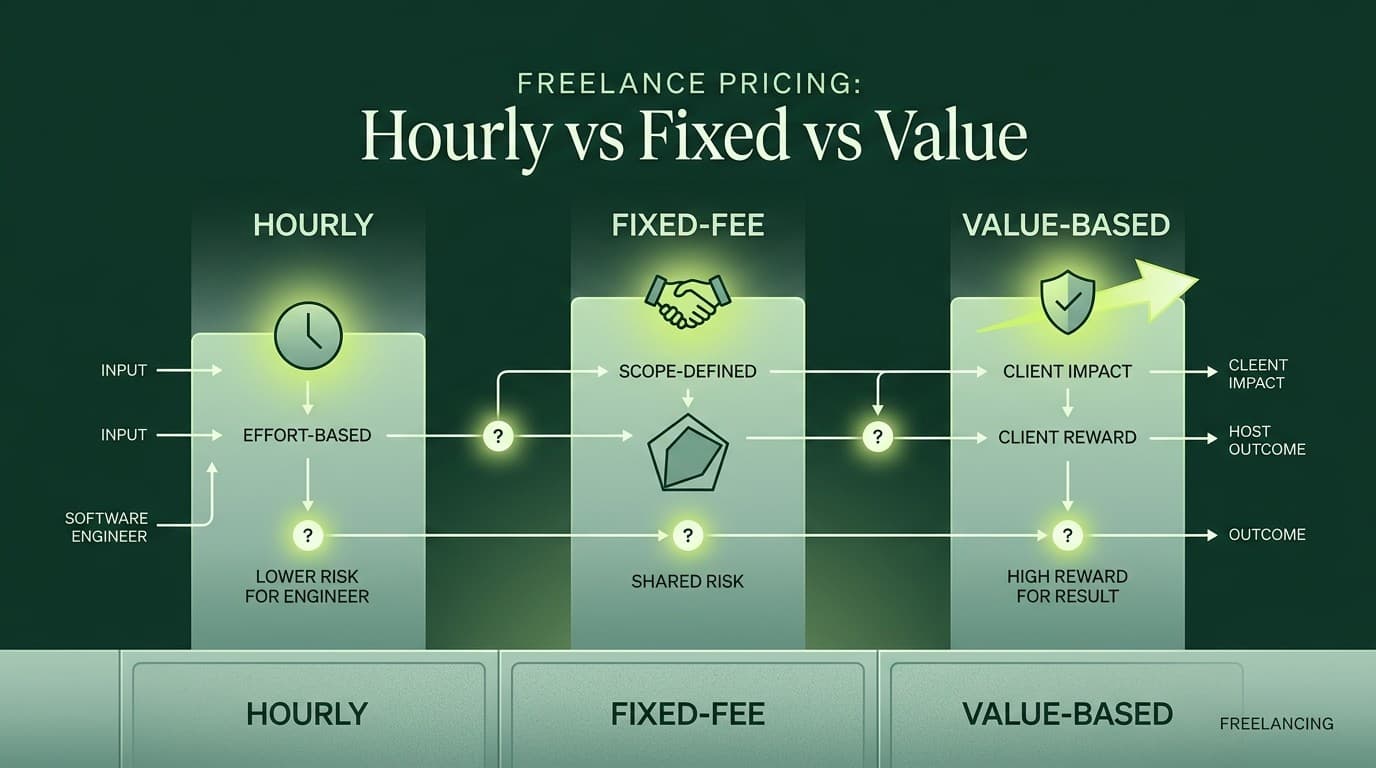
And if you are still figuring out how to price the projects that do pass the filter, Freelance Pricing: Hourly vs Fixed vs Value - A Decision Table for Engineers is the next read.
A Note on AI-Assisted Screening
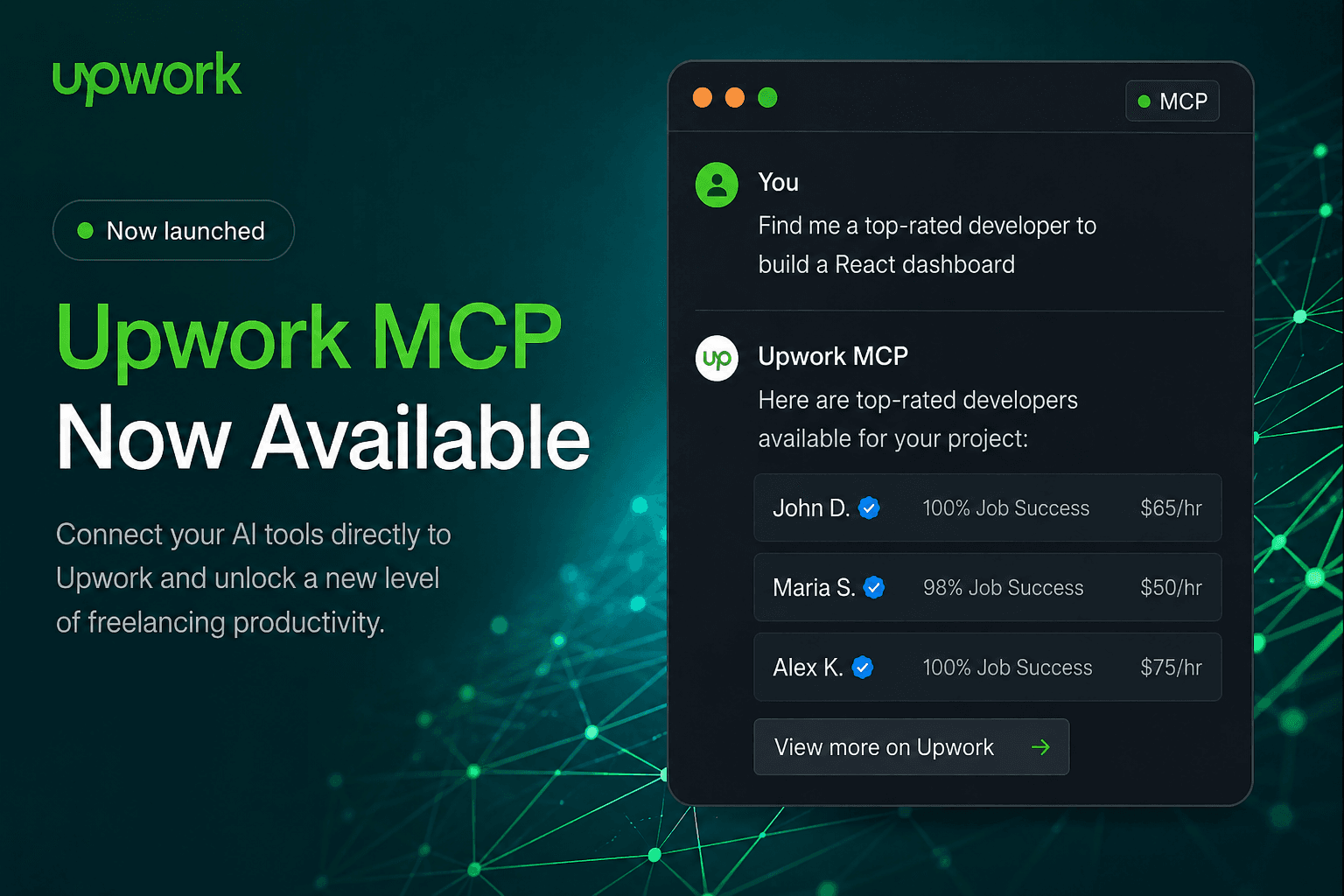
Upwork now has platform-level AI features built into the freelancer workflow. If you want to know what that looks like today, Upwork MCP Server: The AI Agent Now Built Into Your Freelance Account covers it. Screening posts manually still beats any automation - but knowing what tools exist is worth five minutes.
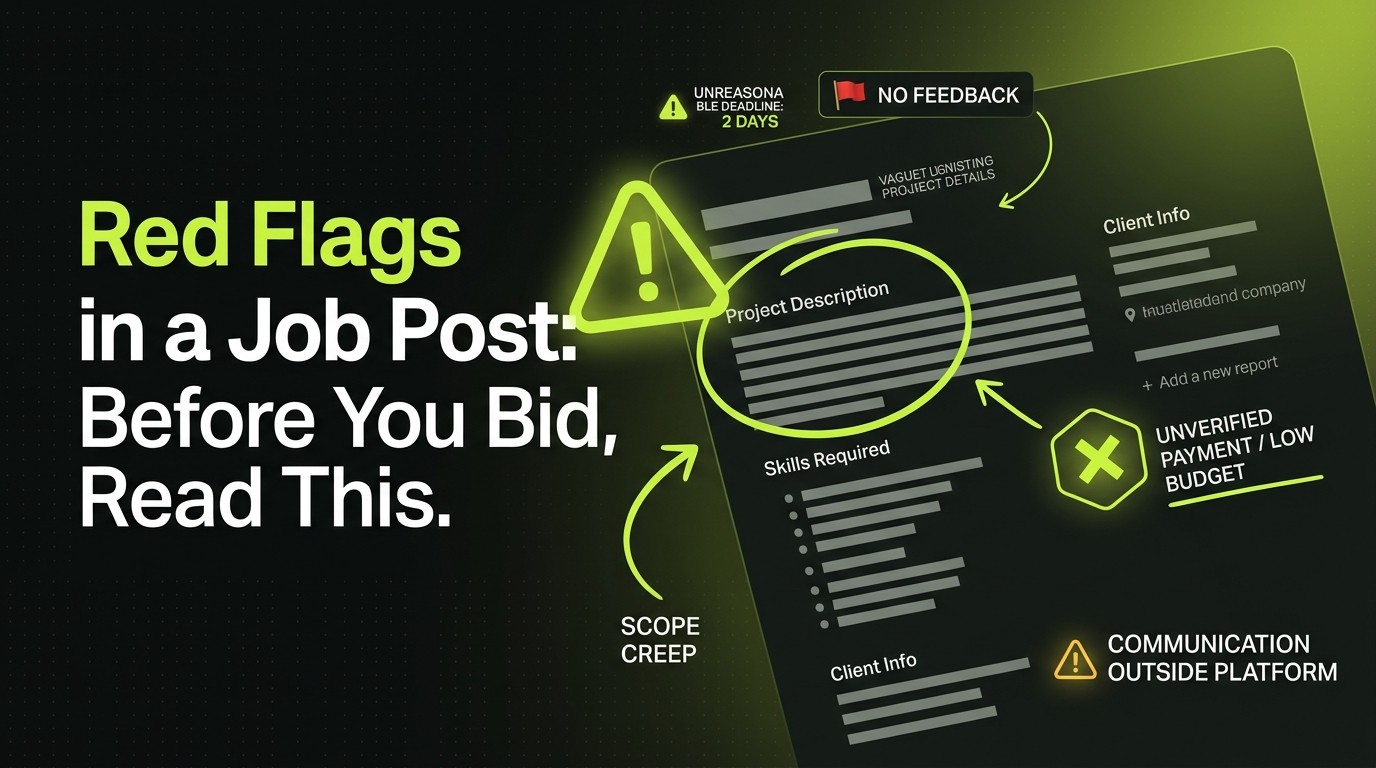
Quick Reference: Red Flags at a Glance
- Budget far below market rate for the stated scope
- Payment method not verified
- Poor or absent client review history
- "ASAP" with no defined deadline or launch date
- Description too vague to scope from
- "Do everything" role disguised as a freelance post
- Previous freelancer(s) who "didn't work out"
- Immediate pressure to move off-platform
Eight signals. Any two in combination and the bar to proceed should be high. Three or more: skip it.
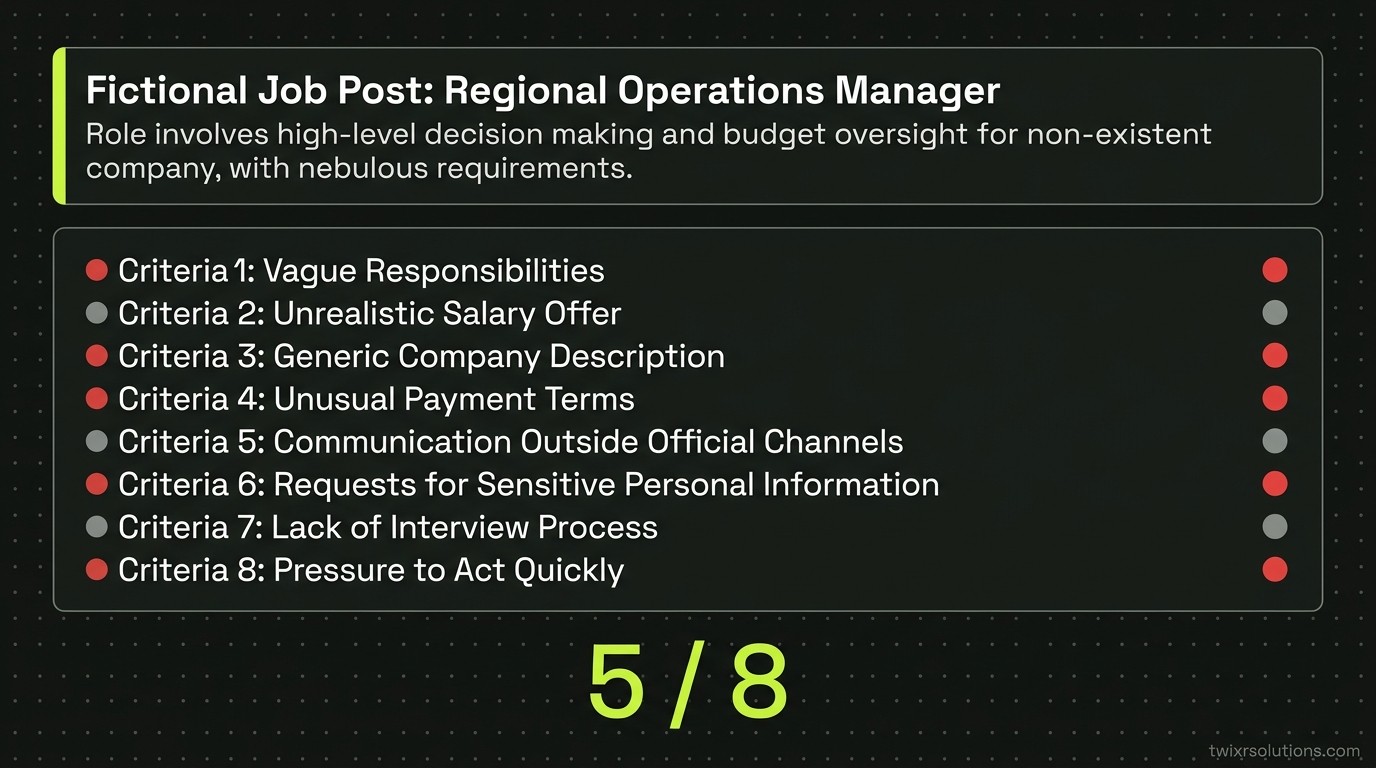
The pool of good clients is smaller than the total number of posts. That is fine. You only need a few of them.
Frequently asked questions
An unverified payment method. No other flag matters if the client cannot pay. Check it before you read anything else on the post.
Possibly, if everything else looks solid - clear scope, verified payment, reasonable budget. But zero history combined with any other flag tips the balance toward skipping it.
Ask one specific, scoped question in your proposal. Something like: 'The post mentions a dashboard - is the backend API already built, or does that need to be scoped too?' A client who can answer that clearly is worth pursuing. One who cannot answer a direct question will not get clearer once the contract starts.
Occasionally, yes. But verify what happened. Ask directly: 'Can you share what the previous freelancer delivered and where things broke down?' A reasonable client answers that question without defensiveness. A difficult one shifts blame entirely onto the freelancer without specifics.
Enjoyed this article?
Get notified when I publish new posts on SaaS, Laravel, and remote engineering.